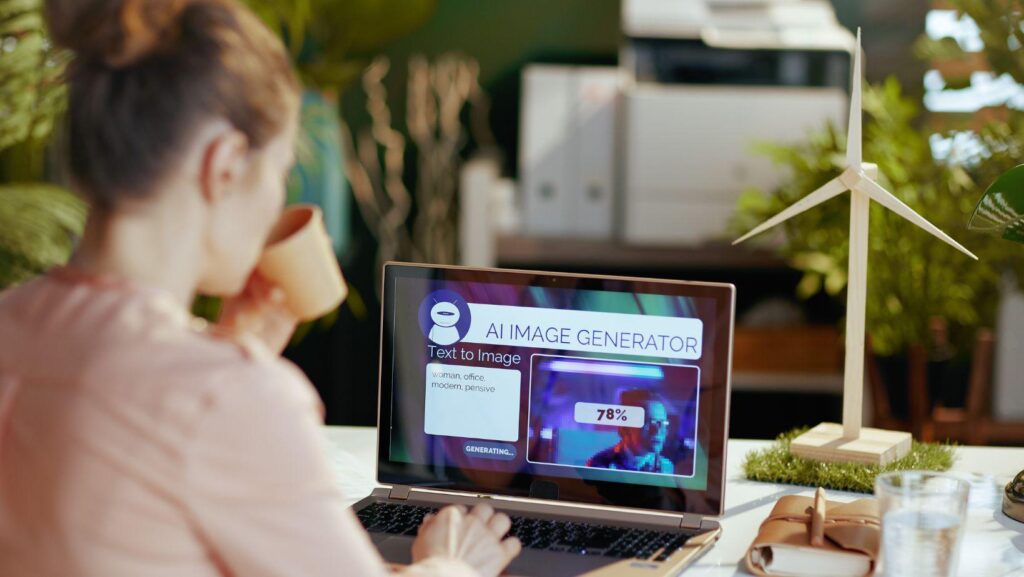
An AI image generator turns written descriptions into finished pictures in seconds, and that ability is changing how people create visuals online. You type a prompt, and the software builds an image that matches your words. Bloggers, marketers, designers, and hobbyists all use these tools to save time and money. But what happens behind the scenes, and how do you get results worth publishing? This guide explains the technology in plain language, walks through the leading platforms, and shares practical tips. By the end, you’ll understand how to use an AI image generator with more skill and confidence.
What Is an AI Image Generator?
An AI image generator is software that creates original pictures from text prompts. You describe a scene, and the tool produces a matching visual instead of pulling one from a stock library.
This is possible because the software learned from huge collections of images paired with captions. Over time, it built a sense of how words connect to shapes, colors, and styles.
The output isn’t a copy. Each image is generated fresh, based on patterns the model recognized during training.
How the Technology Actually Works
The process is called text-to-image generation, and it follows a clear path from idea to picture. Knowing the steps helps you write better prompts.
First, you enter a prompt. The model reads your words and maps them to visual concepts it learned earlier.
Next, it starts with random noise and refines that noise step by step, slowly shaping a coherent image. This diffusion method powers well-known systems like Stable Diffusion.
Finally, you review the output and adjust. A small change to lighting, angle, or mood can shift the whole result, so most people generate several versions before choosing one.
Why So Many Creators Use These Tools
The appeal goes far beyond novelty. AI image generators solve real problems that used to slow creative work down.
- Cost: You skip stock photo fees and freelance design budgets.
- Speed: A concept becomes a usable image in under a minute.
- Accessibility: No design degree or expensive software required.
- Variety: You can test many styles before committing to one.
For a solo creator or a small team, this levels the playing field. You can produce polished visuals that once demanded a full studio, all from a browser.
The “so what” here is simple: these tools free up time and budget for the parts of your work that need a human touch.
The Leading Platforms Shaping the Space
The market has grown crowded, and each platform has its own strengths. Knowing the main players helps you pick the right fit.
Midjourney earned a loyal following for its artistic, stylized output, popular with concept artists and designers. It excels when you want a distinct visual mood.
DALL·E, from OpenAI, is known for strong prompt accuracy and clean, literal interpretations. It handles specific requests well and feels beginner-friendly.
Stable Diffusion stands out as an open model, giving developers freedom to customize settings or run it locally. It offers deep control with a steeper learning curve.
For creators who also edit video and social content, an all-in-one option makes sense. This browser-based AI image generator from CapCut lets you create visuals and build them into wider projects without switching apps.
Real Ways People Put AI Images to Work
The practical uses stretch across many fields. Teams now fold these tools into everyday routines rather than treating them as experiments.
Bloggers create custom header images that match their tone, instead of relying on generic stock. Marketers generate ad creatives and test variations without waiting on a design queue.
Small e-commerce sellers produce product mockups and lifestyle scenes before a single sample exists. Social media managers keep feeds fresh with on-brand visuals made in minutes.
Teachers and presenters benefit too, illustrating tricky ideas with clear, tailored graphics. The flexibility means almost anyone with a message can find a use.
How to Write Prompts That Get Better Results
The quality of your image depends heavily on how you describe it. A few habits sharpen your results fast.
Be specific about subject, style, and setting. “A cozy coffee shop at sunset, warm tones, soft focus” beats a vague “coffee shop” every time.
Add details about lighting, camera angle, and mood. These cues guide the model toward what you actually picture.
Common mistake: giving up after one weak result. What to do instead: treat early images as drafts, tweak a few words, and regenerate. When a prompt works well, save it so you can reproduce the look across a whole project.
Limitations and Responsible Use
No tool is flawless, and honest use keeps your work credible. Being aware of the gaps saves frustration later.
Generative AI still struggles with hands, text inside images, and fine anatomical detail. Always review outputs closely before you publish.
Copyright and originality remain active debates. Check each platform’s usage rights, especially for commercial work, and avoid copying a living artist’s signature style without care.
Transparency also builds trust. When AI plays a major role in a visual, being open about it matches the honest standards audiences expect. A quick review pass protects both your reputation and your readers.
What Comes Next for AI Visuals
The pace of improvement shows no sign of slowing. Models keep getting sharper, faster, and easier to steer.
Expect tighter links between image and video tools, so a single prompt could soon feed an entire content pipeline. Better editing controls will let you fix specific parts of an image instead of regenerating everything.
Human judgment stays essential, though. The strongest results come from pairing smart tools with a clear creative vision, not handing over the wheel entirely.
Conclusion
An AI image generator has grown from a curiosity into a genuine everyday tool for content creation. It saves time, cuts costs, and puts professional-looking design within reach of anyone with an idea and a clear prompt. The best results still come from people who guide the technology thoughtfully: write specific prompts, review each image with care, and respect usage rights along the way. As platforms like Midjourney, DALL·E, Stable Diffusion, and CapCut keep improving, the creators who stand out will treat these tools as partners rather than shortcuts. Start with small experiments, learn what works, and let your own vision lead every image you make.